


Citra Vulkan APK
weihuoya
- Version
- 99a89d290
- Size
- 15.8 MB
- Android
- 7.0+
- Category
- Tools
Screenshots
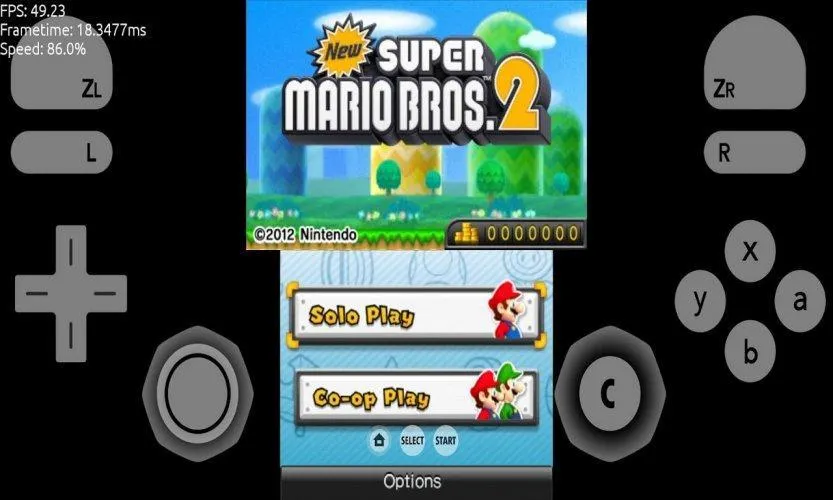
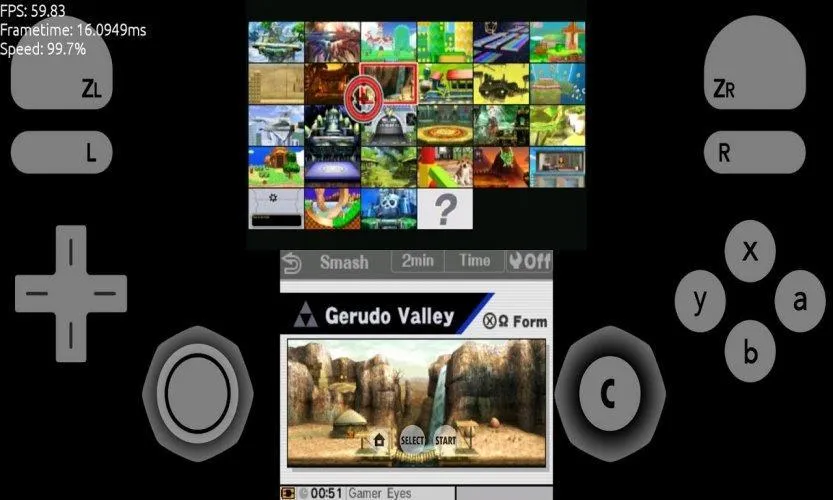
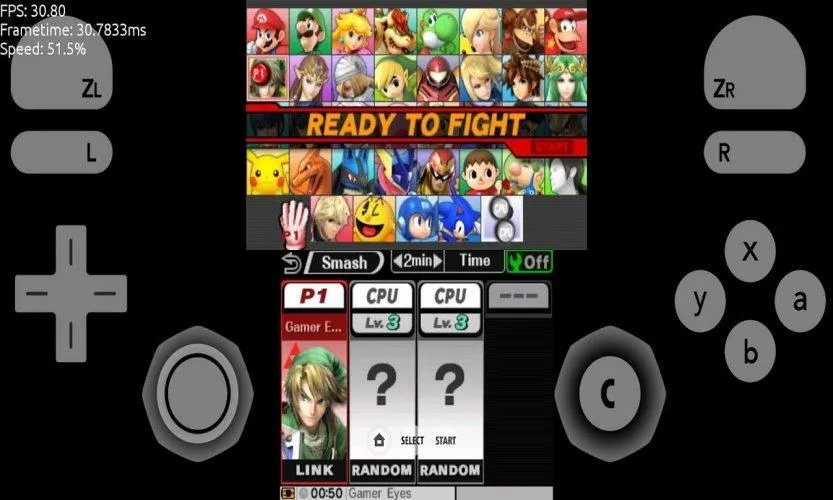
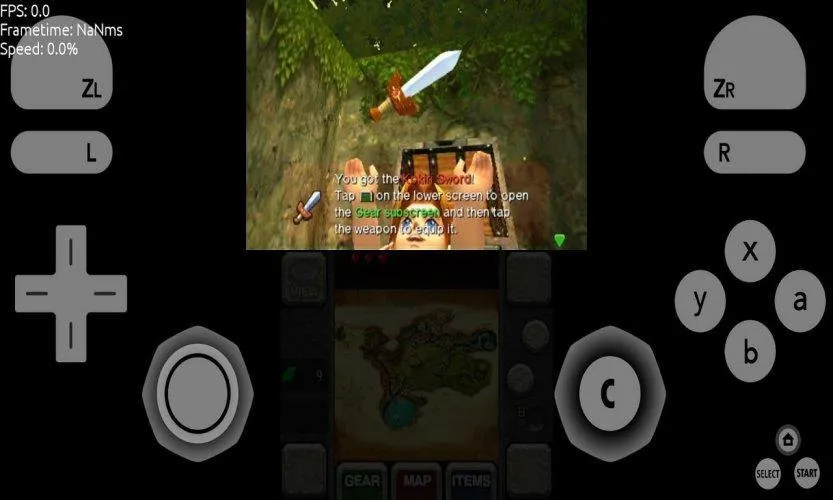
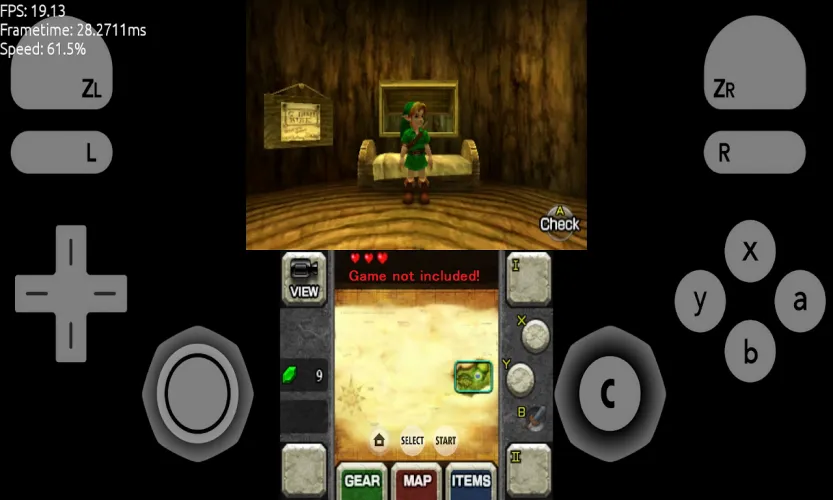
What's new
Version 99a89d290 is the newest build on APKBlade, updated 23 July 2026.
Boost 3DS Games with Better Graphics!
Emulation gaming keeps getting better. Citra Vulkan APK is a big upgrade for playing Nintendo 3DS games. With Vulkan in Citra’s main version, gamers worldwide enjoy 3DS titles with smoother gameplay and improved visuals. This article explains why Citra Vulkan APK is a must-download for emulation fans.
What is Citra?
Citra is an open-source emulator that lets you play 3DS games on computers, Android devices, and Macs. It has become the go-to choice for 3DS gaming outside the console.
Vulkan’s Arrival
Vulkan is a modern graphics interface that efficiently connects to GPUs (graphics processors) in various devices like PCs, consoles, and phones. It reduces CPU stress and improves multitasking between CPU and GPU, leading to better performance.
When Citra added Vulkan to its main version, emulation fans were thrilled. Games could run smoother with less lag and higher frame rates, especially on devices that struggled with Citra’s previous OpenGL backend.
Citra Vulkan APK: Improving Your Gaming Experience
The Citra Vulkan APK is a new version of the Citra emulator. It has support for Vulkan. Vulkan is a technology that can make games run faster. This is great news for Android users with weaker CPUs but stronger GPUs. Vulkan takes some work away from the CPU and gives it to the GPU.
Better Performance
One of the biggest benefits of Citra Vulkan is how it improves performance. Games that used to lag or stutter on older Citra versions now run smoothly. This is because Vulkan makes communication between the emulator and your device better. Everything works more efficiently as a result.
Enhanced Graphics
With Vulkan, games don’t just run better; they also look better. Vulkan supports advanced rendering techniques. This can lead to sharper textures and improved visuals overall. Your favourite 3DS games can now look even more amazing than the original hardware.
Increased Stability and Compatibility
The Citra team has worked hard to make Vulkan support stable. They broke the changes into smaller parts to test carefully. This ensures Vulkan doesn’t cause new bugs. Compatibility is improved, too.
Users Love Citra Vulkan
People who use Citra Vulkan give great feedback. Many say their games perform better than ever before. Some can even play games they couldn’t before due to performance issues. Overall, Citra Vulkan is a major upgrade for an improved gaming experience.
Some video games work better with certain settings. Vulkan is a setting that can make games run faster on Android devices. But it might not help all games the same way. It depends on the game and the device you use. You should try different settings to see what works best for your games and device.
How to Get Citra Vulkan APK
If you want to try Citra Vulkan, it’s pretty easy to get started. Here’s how:
1. Download the Citra Vulkan APK file. You can find it on our website.
2. Install the APK on your Android device. Your device might ask you to allow installing apps from unknown sources. Say yes.
3. Open Citra and change your settings. You might need to adjust them to get the best performance for your device.
4. Load your legal 3DS game files and start playing!
Issues and Considerations
Citra Vulkan APK is better, but there are some things to know. Some users had problems with certain games or devices. It’s new, so there might be issues as people get used to it. Also, an update removed Vulkan support for Mac, so some Mac games don’t work anymore.
Conclusion
The Citra Vulkan app is a big step forward for playing 3DS games on other devices. It can make games run faster, look better, and work more smoothly. While it may not work perfectly for every game or device yet, it has a lot of potential.
If you want to play your favourite 3DS games again or try new ones, Citra Vulkan is worth checking out. But remember, only play games you legally own. Respect the copyrights. Have fun gaming!
More About Citra Vulkan
| Name | Citra Vulkan |
|---|---|
| Package Name | org.citra.emu |
| Category | Tools |
| Version | 99a89d290 |
| Size | 15.8 MB |
| Requires Android | 7.0 and up |
| Developer | weihuoya |
| Last Updated | 23 July 2026 |
How to Install Citra Vulkan
- Tap the download button and let the file finish.
- Open the file from your notifications or the Downloads folder.
- If Android asks, allow your browser to install unknown apps.
- Tap Install, then open the app.
FAQ'S
How to install Citra Vulkan on android phone?
Once you've downloaded the APK file, click on the downloaded file, then hit the "Install" button.
I am getting Play Protect warning while installing!
Some mod APK files might get a warning. You can ignore this warning and install the APK file. Follow these simple steps to turn off Play Protect: Open Google Play app > Click Profile Icon > Select Play Protect -> Setting > Turn off both "Scan apps with Play Protect" and "Improve harmful app detection" options.
How to update APK without losing the data?
To update APK without losing the data, you don't need to follow anything extra. Click on the downloaded APK file and click the "Install" button. The app will update automatically without loss of data.
How to fix problems while installing/opening?
Make sure you have downloaded the file correctly. The downloaded file extension must end with .apk file. If you face any package install error, redownloading the file may fix the issue.


















Ratings and reviews
There are no reviews yet. Be the first one to write one.